Runome Recorder
Record outdoor runs with location, elapsed and moving time, distance, live pace and route data.

RECORDING & IMPORTS
Connect Apple Health, Garmin, Polar or Suunto. Bring your activities into one history, or record your next run with Runome.
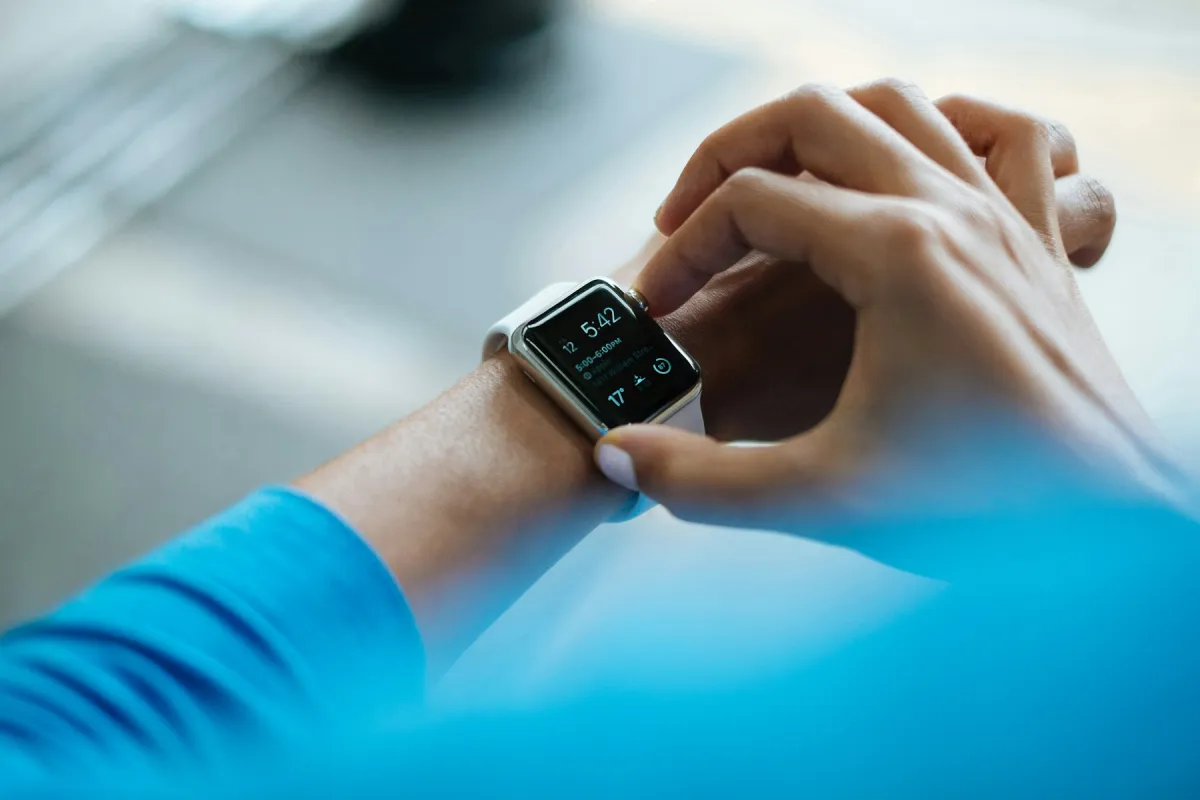
Available fields vary by device and workout. Runome calculates stream-dependent metrics only when the required evidence is present.
Record outdoor runs with location, elapsed and moving time, distance, live pace and route data.
Connect Apple Health to import authorized running workouts and available workout data, including Apple Watch activities.
Connect Garmin through Data Sync for incremental activity imports, historical backfill and available FIT stream enrichment.
Connect Suunto through Data Sync for activity and route imports, ongoing synchronization and historical backfill.
Connect Polar through Data Sync for exercise imports and the available heart-rate, cadence and elevation streams.
Import Samsung Health and Health Connect workouts through compatible connections.
Add a completed run when no connected source is available. Manual records enter the same activity history but only support metrics backed by the fields supplied.
Every imported activity passes through the same validation, provenance and data-quality checks before analysis.
Provider fields are converted into common units for time, distance, pace, heart rate, cadence, elevation, power, temperature and GPS.
Runome checks required fields, numeric ranges, timestamps, sport type and stream quality before accepting the record.
Provider IDs, timing, duration, distance similarity and a stable fingerprint help merge the same workout arriving from multiple sources.
The user sees one canonical activity while Runome retains every source relationship and selects the best available stream coverage.
New or changed runs enter the versioned compute pipeline for classification, per-run metrics, trends and coaching.
A connected brand does not guarantee every metric on every workout. Sensor permissions, device model, recording settings and stream quality all matter.
GPS drift and low-quality altitude samples can affect route, grade and climbing analysis. Unreliable elevation can be omitted.
Recovery, TRIMP, HR drift, decoupling, economy and VO₂max estimation require usable heart-rate evidence and correct profile settings.
Cadence and stride evidence contribute only when enough valid samples are available. Their absence does not become an estimate.
Start with the question you want your data to answer.
Apple Watch data reaches Runome through Apple Health. Check each stage separately so a missing metric does not turn into a guessing exercise.
IMPORT TROUBLESHOOTINGAn imported activity can be valid without containing every kind of measurement. Identify the missing input before assuming the whole import failed.
ACTIVITY FILESA file extension tells you the format. You still need to inspect which records and measurements are inside the particular file.
RUNNING DATABefore comparing two pace numbers, check the clocks behind them. Removing a pause changes the calculation even when the route stays the same.